


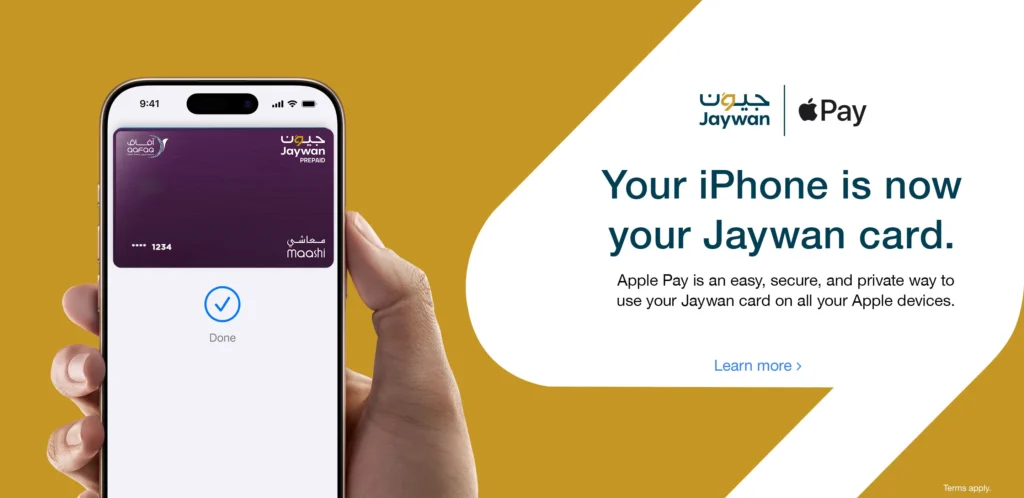
Add Your Aafaq Jaywan Card to Apple Pay
Pay with Aafaq Jaywan. On all your Apple devices.
Enjoy fast, secure, and convenient payments with your Aafaq Jaywan card using Apple Pay on your iPhone, Apple Watch, iPad, Mac, and Apple Vision Pro. No need to carry your physical card. Simply add your Aafaq Jaywan card to Apple Wallet and pay wherever Apple Pay is accepted.
Why Use Aafaq Jaywan with Apple Pay?
Fast & Convenient
Make contactless payments in stores, within apps, and online using your Apple devices. No physical card required.
Secure
Apple Pay uses advanced security features including Face ID, Touch ID, and device passcodes to help protect your transactions.
Private
Your actual card number is never shared with merchants and is not stored on Apple’s servers, helping keep your payment information private.
How to Add Your Aafaq Jaywan Card
- Open the Wallet app on your iPhone.
- Tap the“+” icon.
- Scan your Aafaq Jaywan card or enter the card details manually.
- Complete the verification process provided by your bank.
- Once verified, your Aafaq Jaywan card is ready to use with Apple Pay.
How to Pay
In Stores
Double-click the side button, authenticate using Face ID or Touch ID, and hold your device near the contactless payment terminal.
In Apps and Online
Choose Apple Pay at checkout and confirm the payment using Face ID, Touch ID, or your device passcode.
On Apple Watch
Double-click the side button and hold your watch near the payment terminal.
Compatible Devices
Apple Pay with Aafaq Jaywan is available on:
- iPhone
- Apple Watch
- iPad
- Mac
- Apple Vision Pro
Ready to Get Started?
Add your Aafaq Jaywan card to Apple Wallet today and enjoy a seamless, secure, and contactless payment experience wherever Apple Pay is accepted.

